BPM vs custom automation is not really a software category fight. It is a decision about what kind of operating problem you have.
Business Process Management, or BPM, is best when a company needs to model, govern, monitor, and continuously improve an end-to-end process that spans teams or systems. Custom automation is best when the workflow itself is proprietary, economically sensitive, or too specific to fit cleanly inside a generic platform.
The practical mistake is treating both choices as interchangeable. A BPM suite can bring order to a complex, regulated process. A custom workflow system can preserve the exact way a business creates value. A no-code workflow tool can be enough for a small departmental handoff. The right choice depends less on the logo on the software and more on the shape of the work.
If your team is still mostly fighting spreadsheets, disconnected tools, and manual routing, Hapy’s Business Systems & Automation work starts with that operating reality before deciding what should be bought, connected, or built. For a vendor shortlist, compare business process automation companies against the same workflow fit instead of starting with platform logos.
If the question is still “which workflow should we fix first?”, start with the business process automation strategy guide before comparing platform categories.
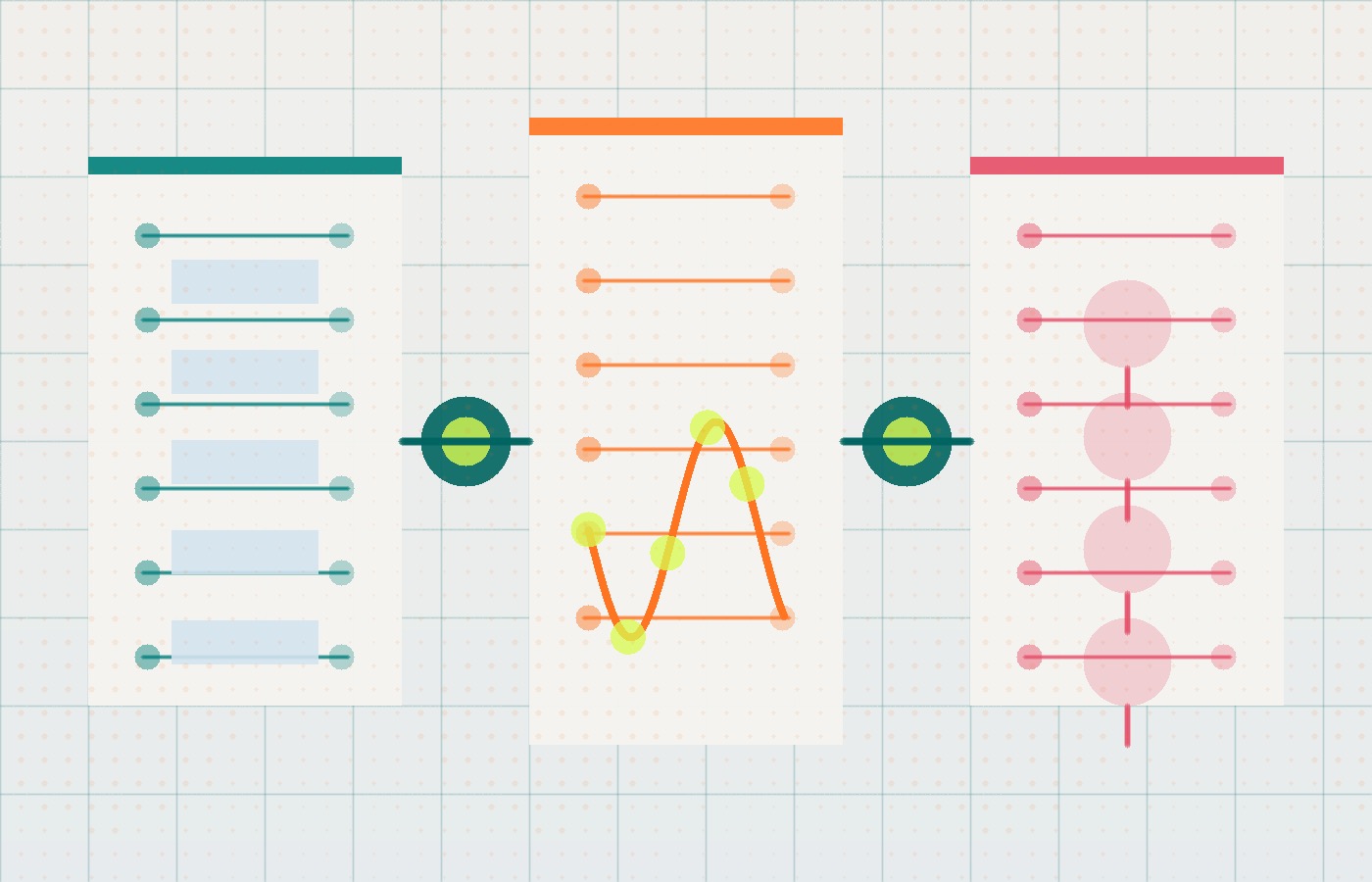
What BPM Actually Solves
BPM is a discipline for improving repeatable business processes, not just a way to automate tasks. IBM defines business process management as methods used to discover, model, analyze, measure, improve, and optimize business strategy and processes. That matters because BPM looks at the whole process, while task automation often looks at one handoff inside it.
In a mature BPM program, teams usually move through a lifecycle: design the process, model it, execute it, monitor performance, and optimize what the data reveals. The point is not one-time implementation. The point is repeatable governance.
That is why BPM suites such as Camunda, Appian, Nintex, IBM, and similar platforms tend to show up in enterprise environments. They support process modeling, orchestration, auditability, integration, and monitoring across departments. Many also support standards such as Business Process Model and Notation, or BPMN, which gives business and technical teams a shared way to describe process logic.
BPM is a good fit when:
- The process crosses departments, systems, or regulatory boundaries.
- The business needs consistent governance, approvals, and audit trails.
- Standardization matters more than workflow uniqueness.
- Leadership needs visibility into cycle time, exceptions, and compliance.
- The company has enough internal ownership to maintain process models over time.
Good BPM makes messy operational work visible. It can show where requests stall, where approvals stack up, where teams drift from the official process, and where standardization would reduce risk.
What Custom Automation Actually Solves
Custom automation solves a different problem: the business has work that does not fit the shape of a standard product.
That work may involve unusual pricing rules, multi-site operations, field constraints, legacy systems, proprietary service logic, real-time dashboards, custom quoting, or domain-specific AI. The common pattern is simple: the company is not just trying to move a task faster. It is trying to protect the way the business operates.
This is where generic SaaS often starts to hurt. The team exports data to spreadsheets because the tool cannot handle the real workflow. People share screenshots in side channels because the system does not show enough context. Operations staff become human routers, manually pushing requests, invoices, approvals, and exceptions across tools. The software records pieces of the process, but it does not actually run the process.
Custom workflow automation becomes valuable when the system needs to be built around the work itself. Instead of asking a team to conform to a vendor’s average customer model, the software mirrors the actual steps, constraints, roles, and data relationships inside the business.
That is also where the decision starts to resemble a broader business operating system: the company is not only automating tasks, it is designing how work, data, roles, dashboards, and AI support should fit together.
Custom automation is a good fit when:
- The workflow is a source of competitive advantage.
- The process depends on proprietary rules, calculations, or data relationships.
- The business has outgrown spreadsheets, shared inboxes, and generic project management tools.
- Per-seat pricing punishes scale because many users, contractors, locations, or AI agents need access.
- The team needs a unified operating layer across existing tools rather than another standalone platform.
Hapy’s older article on business process automation explains the basic automation category. The deeper question here is whether a team needs a tool to automate a known process, or a system that reshapes how the work moves.
BPM vs Custom Automation: The Decision in Plain English
Use BPM when the process should become more standardized, governed, and measurable. Use custom automation when the process should become more owned, differentiated, and economically scalable.
These are starting tendencies, not exclusive capabilities. A custom system still needs governance, and a BPM implementation still needs to fit the work. Compare actual workflow coverage and operating cost.
| Decision factor | BPM suite | No-code workflow tool | Custom workflow automation |
|---|---|---|---|
| Best for | End-to-end process governance | Simple departmental routing | Proprietary operating workflows |
| Typical buyer | IT, operations, enterprise architecture | Department managers, operations leads | Founders, operators, CTOs, specialized teams |
| Strength | Standardization, visibility, compliance | Speed, ease of setup, low friction | Fit, ownership, differentiation, long-term scale |
| Weakness | Can be heavy or expensive | Can break under complexity | Requires design, engineering, and maintenance discipline |
| Best signal | “We need process control.” | “We need to stop doing this manually.” | “Our work does not fit the tools anymore.” |
The important part is not the table. It is the diagnosis behind it. A standard invoice approval process probably does not need a bespoke application. A proprietary field-operations workflow that drives margin, customer experience, and dispatch efficiency probably should not be trapped inside a generic work-order tool forever.
The Signs You Have Outgrown Generic SaaS
Most companies do not wake up one day and announce that they need custom workflow software. The need appears as operational symptoms first.
The clearest symptom is workaround proliferation. People export CSVs, keep unofficial spreadsheets, send updates through WhatsApp or Slack, and manually reconcile systems that should agree. These workarounds are not just annoying. They create data drift, lost audit trails, reporting errors, and invisible process risk.
The second symptom is integration fatigue. A business connects one SaaS tool to another, then another, then another. At first, the stack feels automated. Later, one vendor changes an API, a middleware step fails, and the team is back to manual re-entry. Automation becomes a maintenance queue.
The third symptom is artificial scaling pressure. Seat limits, storage caps, premium feature gates, and enterprise-only permissions can make operating costs scale with access rights rather than business value. That becomes especially painful when contractors, field workers, customers, or AI agents need to touch the workflow.
The fourth symptom is process de-differentiation. The team changes the way it works because the software cannot support the better process. That is the moment a tool stops being infrastructure and starts becoming a constraint.
If these symptoms feel familiar, the question is not “Should we build everything custom?” The better question is “Which parts of the workflow are generic, and which parts deserve ownership?”
The Economics Changed Because Work Is No Longer Only Human
Traditional enterprise software pricing assumes humans are the main unit of work. That is why many platforms charge by named user, seat, role, or access tier.
Modern operations do not behave that cleanly. AI agents, RPA bots, integrations, background jobs, and automated decision workflows can execute large volumes of work without a person clicking through every step. In that environment, per-seat licensing can become a poor match for the actual cost driver.
This does not mean custom software is always cheaper. It usually has a larger upfront cost, and it requires thoughtful maintenance. But the cost curve is different. A custom system typically scales with cloud usage, data volume, workflow complexity, and support needs. A commercial platform often scales with seats, premium modules, and vendor packaging.
That difference matters most when a company has:
- A large or expanding user base.
- Many light users who only need a narrow slice of access.
- External partners, vendors, or contractors who participate in the workflow.
- Automated agents performing work that would otherwise require licensed seats.
- A high-volume process where small unit-cost differences compound.
AI-assisted development has also changed the build side of the equation. McKinsey has estimated that generative AI could affect 20% to 45% of current software engineering spending through productivity gains, and Microsoft Research found in a GitHub Copilot experiment that developers with AI assistance completed a coding task 55.8% faster. Those numbers do not make custom builds magically easy. They do make the old “custom is always too slow and expensive” assumption less reliable.
When AI agents or model-assisted workflows are part of the operating plan, Hapy’s AI automation guide explains why control, review gates, and evals matter before scale.

Proof Points: Automation Value Depends on the Problem Type
The strongest automation returns usually come from a tight match between problem type and system type.
For enterprise orchestration, Camunda reported a Forrester Total Economic Impact study with 408% ROI and $112.1 million in net value for a composite organization over three years. This is a vendor-promoted economic model for a composite organization, not an independently measured return across customers. Inspect the study’s sponsorship, assumptions, and included costs before using it in a business case.
For targeted workflow automation, Komatsu Australia used Microsoft Power Automate and AI Builder to process nearly 52,000 invoices annually. Microsoft reported that automating the workflow for one supplier saved the parts department 300 hours of work per year. That is a different kind of win: narrower scope, faster implementation, concrete manual effort removed.
For intelligent process automation, IBM’s Asan Medical Center case shows the value of redesigning a complex operational workflow. IBM reported that the hospital allocated beds up to 20 minutes faster and reduced staff workload by three hours per day, with a 0% bed allocation error rate for the selected departments during the project.
The lesson is not that one platform category wins. It is that automation ROI follows fit. A governed enterprise process, a departmental invoice workflow, and a hospital bed allocation process should not be evaluated with the same buying lens.
A Five-Part Framework for Choosing BPM, No-Code, or Custom Automation
Before choosing software, score the workflow across five questions. The answer usually becomes obvious once the team stops debating categories and starts looking at the work.
1. Is the process standard or differentiating?
If the workflow is standard across your industry, buy or configure before you build. Expense approval, basic ticket routing, simple document signatures, and generic onboarding flows rarely justify custom ownership.
If the workflow affects margin, customer experience, speed, quality, or a proprietary service model, custom automation deserves serious consideration. That does not mean every screen must be custom. It means the core workflow logic should not be forced into a tool that was designed for the median customer.
2. Does governance matter more than fit?
If auditability, compliance, approval control, and process visibility are the main pain points, BPM is often the right starting point. The organization needs a governed process model more than a bespoke interface.
If the main pain is that the work itself does not fit the system, custom may be the better answer. A perfect audit trail around a bad workflow is still a bad workflow.
3. What is the real scaling unit?
If costs scale with a few internal operators, commercial software may be sensible. If costs scale with thousands of users, sites, vendors, transactions, or automated agents, the long-term economics need a harder look.
The key question is: will software cost grow because the business is doing more valuable work, or because the vendor charges every participant for access?
If that question is becoming a broader SaaS versus ownership decision, Hapy’s build vs buy software guide can help compare the long-term cost curve.
4. How messy are the integrations?
BPM platforms can be useful when a process must coordinate across many systems and the company wants a formal orchestration layer. Custom automation is more compelling when the business needs a tailored operating layer that unifies systems around a proprietary workflow.
In both cases, integration quality matters more than the sales demo. A workflow that depends on fragile middleware and manual cleanup is not truly automated.
5. Can the team maintain what it builds?
Custom software is ownership. That is its advantage and its obligation.
If the business cannot maintain the system, lacks a technical partner, or has no internal process owner, a managed BPM or workflow platform may be safer. If the business has clear ownership, strong process knowledge, and a workflow that matters strategically, custom automation can become durable infrastructure instead of another rented tool.
Hapy’s guide to customised software covers the broader build process. For automation decisions, the maintenance question should be asked early, not after the first version is live.
A Practical Implementation Path
Do not start with a platform shortlist. Start with an operational audit.
Map the workflow as it actually happens, not as the SOP says it happens. Watch where people copy data, ask for approvals, wait for responses, clean spreadsheets, reconcile reports, and override the official system. Those moments reveal the real product requirements.
Then define the business outcome in measurable terms. Good automation goals sound like:
- Reduce intake-to-assignment time from hours to minutes.
- Cut manual invoice re-entry by 80%.
- Create one live status view across locations.
- Reduce exception handling time for coordinators.
- Improve quote turnaround without adding another operations hire.
After that, choose the narrowest high-pain workflow that can prove value. A full enterprise overhaul is rarely the right first move. A high-frequency workflow with visible pain is better because the team can learn quickly, show impact, and build internal trust.
Finally, design governance from day one. Someone must own workflow changes, integration monitoring, exception handling, data quality, and post-launch improvements. Automation without ownership eventually becomes another brittle system.

The Bottom Line on BPM vs Custom Automation
BPM vs custom automation is a choice about how to provide both governance and workflow fit. BPM is usually right when the company needs standardized, auditable, continuously monitored process control. Custom automation is usually right when the workflow is proprietary, high-volume, economically distorted by licensing, or too important to squeeze into generic software.
The answer can be hybrid. For example, a hypothetical field-service business could keep approval steps and timers in a BPM engine while a custom service calculates technician eligibility and travel constraints. Use a stable request ID across both, nominate one system as the source of approval status, and reconcile failed or repeated handoffs. Budget for maintaining the integration as well as both components.
That is the pragmatic test: buy the parts of the business that should be average, and own the parts that make the business different.


