An enterprise application is software that supports important business operations across multiple teams, departments, roles, or locations. It usually manages shared data, permissions, workflows, reporting, integrations, and operational controls that a business depends on every day.
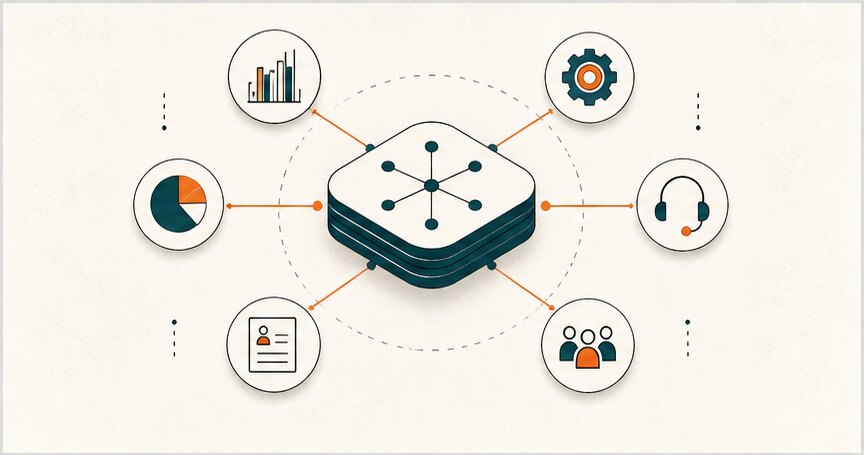
That makes an enterprise application different from a simple business app. A small task tool may help one person work faster. An enterprise CRM, ERP, HRIS, support platform, BI dashboard, or custom internal system changes how the company coordinates customers, money, people, inventory, approvals, and decisions.
The useful question is not “Which enterprise software category do we need?” It is “Which operating workflow is too important, too manual, or too fragmented to keep running the current way?”
Enterprise application definition
An enterprise application is a company-wide or department-wide software system used to run a core business process. It usually has several traits:
- Multiple user roles, not just one login type.
- Shared operational data, not isolated notes or files.
- Workflow rules for approvals, handoffs, exceptions, and status changes.
- Permission controls, audit trails, or compliance requirements.
- Integrations with other systems such as finance, CRM, support, inventory, or analytics.
- Reporting that helps leaders and operators make decisions.
In practice, enterprise applications help teams run finance, sales, customer support, inventory, HR, procurement, logistics, reporting, compliance, operations, and internal coordination.
Enterprise application examples by business need
Most companies use more than one enterprise application. The right mix depends on the workflow, data model, and operational risk.
| Type | What it supports |
|---|---|
| CRM | Leads, accounts, pipeline, customer history, sales handoffs |
| ERP | Finance, purchasing, inventory, planning, operational control |
| HRIS / HRM | Hiring, employee records, payroll, performance, benefits |
| SCM | Procurement, logistics, suppliers, warehouses, returns |
| BI and analytics | Dashboards, operational reporting, decision support |
| Customer support | Tickets, SLAs, knowledge base, escalations, service quality |
| Workflow automation / BPM | Approvals, intake, routing, reminders, exceptions |
| Custom internal systems | Business-specific workflows that do not fit SaaS cleanly |
For a deeper category breakdown, Hapy’s guide to the types of enterprise applications compares CRM, ERP, BI, SCM, HR systems, workflow automation, support platforms, and custom internal systems in more detail.
Enterprise applications vs regular business software
The difference is not only company size. The difference is operational weight.
| Area | Regular business software | Enterprise application |
|---|---|---|
| Users | One person or one team | Multiple departments, roles, or locations |
| Data | Local to one tool | Shared source of truth |
| Workflow | Simple task support | Handoffs, approvals, exceptions, and status rules |
| Permissions | Basic account access | Role-based access, audit logs, sensitive records |
| Integrations | Helpful but optional | Often required for daily operations |
| Reporting | Activity tracking | Operational and executive decision support |
| Failure impact | Usually localized | Can affect revenue, compliance, customers, or operations |
A spreadsheet can be business software. A spreadsheet that secretly runs pricing, approvals, fulfillment, reporting, and customer commitments is a sign that the business may need an enterprise application or a cleaner business operating system.
What enterprise applications should improve
An enterprise application should improve one or more of these areas:
- Visibility into business performance
- Workflow consistency
- Data quality
- Decision speed
- Accountability
- Customer experience
- Compliance and auditability
- Cost control
- Team coordination
- Automation of repeatable work
If the application does not improve how people work or decide, it may become another expensive system people work around.
Signs a company may need an enterprise application
Enterprise software becomes worth discussing when the operating pain is no longer isolated. Common signs include:
- Teams copy the same data between spreadsheets, inboxes, CRM, finance tools, and dashboards.
- Leaders cannot trust reports because every department has a different number.
- Approvals depend on memory, chat messages, or one person knowing the process.
- Customer, vendor, employee, or inventory data has no clear owner.
- Existing SaaS tools cover pieces of the workflow but not the full operating loop.
- Permissions, audit trails, or compliance needs are becoming too serious for informal tools.
- Manual handoffs are causing delays, missed revenue, support problems, or operational risk.
At that point, the answer may still be a standard platform. It may also be integration work, workflow automation, or a custom operating layer. Hapy’s Business Systems & Automation work starts with that diagnosis before recommending software.
Build, buy, or connect?
Enterprise application decisions usually fall into three options: buy a platform, build a custom system, or connect existing tools more intelligently.
Buying is useful when the workflow is common and the business can adapt to the platform. Building is useful when the workflow is strategically specific. Connecting is useful when the tools are mostly fine but the handoffs, reporting, and data flow are broken.
| Decision | Best when | Risk |
|---|---|---|
| Buy | The process is standard and vendor tooling is mature | The business bends around the software |
| Build | The workflow is unique or strategically important | The team overbuilds or underestimates maintenance |
| Connect | Existing tools work but data and handoffs are messy | Integrations become fragile without ownership |
Hapy often sees the highest leverage in the middle: not replacing everything, but creating a clearer operating layer across the tools a business already uses. If the work becomes a custom build question, compare the need against enterprise application development, custom software examples, and custom software development cost.
What an enterprise application must handle
Before choosing a vendor or building a custom system, define the operating model. A useful enterprise application needs more than screens.
| Requirement | Question to answer before implementation |
|---|---|
| Workflow | What process should the system make more reliable? |
| Roles | Who creates, reviews, approves, edits, and audits records? |
| Data | Which fields are required because they change decisions? |
| Integrations | Which systems must exchange data reliably? |
| Exceptions | What happens when the normal path fails? |
| Reporting | Which decisions should become faster or clearer? |
| Security | Which records need restricted access, logs, or approval trails? |
| Ownership | Who maintains configuration, integrations, and data quality? |
This is where many enterprise software projects go wrong. The team buys or builds features before agreeing on workflow ownership, data rules, and adoption habits.
Enterprise application risks
Enterprise applications can create serious drag when implemented poorly.
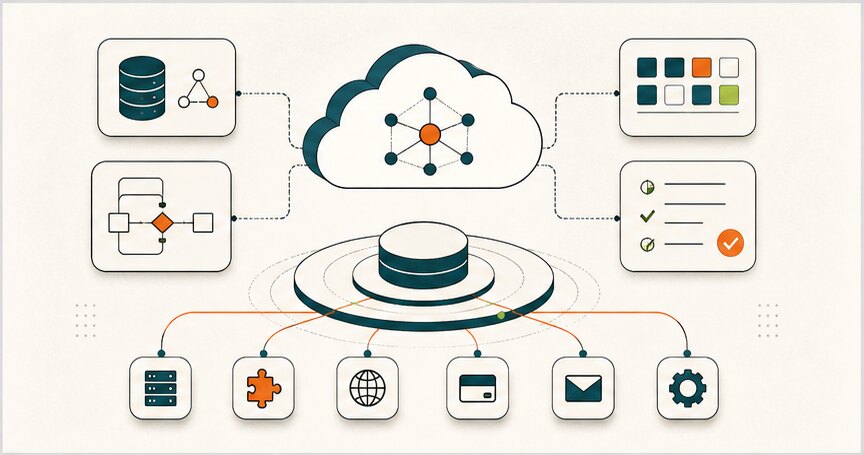
Common risks include:
- Too much customization before the process is understood
- Weak data ownership
- Poor user adoption
- Reports that do not match real decisions
- Integrations that break quietly
- No clear process owner
- Security and permission gaps
- Vendor lock-in
- Expensive implementation with low operational change
The software is only one part of the change. The business also needs process clarity, data discipline, training, ownership, and iteration.
Practical enterprise application scenarios
Here are a few simple examples of when an enterprise application decision becomes real:
| Scenario | Likely direction |
|---|---|
| A sales team has poor pipeline visibility but a standard sales process | Configure a CRM well before building anything custom |
| Operations uses sheets, email, and chat to approve high-volume work | Build or connect a workflow layer with clear status and ownership |
| Finance, inventory, and purchasing cannot reconcile the same data | Evaluate ERP or a lighter custom operating layer depending on complexity |
| Support tickets reveal product, billing, and fulfillment problems | Connect support data to CRM, product, and operations reporting |
| A business has a unique fulfillment, pricing, compliance, or partner workflow | Consider custom enterprise software after workflow discovery |
The point is to match the system to the operating problem. A large platform is not automatically mature. A custom build is not automatically strategic. The right enterprise application is the one that makes the important workflow more visible, controlled, and reliable.
What to decide before investing
Before buying or building an enterprise application, define:
- Which workflow matters most?
- Who owns the workflow?
- What data is required?
- Which decisions will the system improve?
- Which existing tools must connect?
- What should be automated?
- What should stay human-reviewed?
- How will success be measured?
This prevents the company from shopping for software before understanding the operating problem.
The Hapy view
An enterprise application should make the business easier to run. It should give leaders clearer visibility, teams better workflows, and customers a more reliable experience.
For some companies, that means choosing and configuring the right platform. For others, it means building custom software. Often, it means creating a practical system that connects data, dashboards, workflows, and automation without forcing the whole company into a tool that does not fit.
Hapy’s Business Systems & Automation work sits in that space. The goal is not more software. The goal is a business system people can trust and use every day.


