To build a fitness app, define one audience and one useful activity, prototype the workflow, and estimate the software and operating work required to support it. A basic activity log, a workout library, and live coaching are different products with different content, privacy, and support responsibilities.
Start with a need you can observe. A longer feature list does not establish demand, and downloads do not show that users find lasting value. For schedule planning, see how long app development takes.

Choose the product and its intended audience
| Category | Core task | Questions to resolve before building |
|---|---|---|
| Activity log | Record an activity and review personal history | Manual entry or device data? What happens when a record is wrong or duplicated? |
| Workout library | Find and follow an appropriate session | Who reviews instruction, skill level, limitations, and content updates? |
| Class booking | Find an available class and reserve a place | Who owns capacity, cancellations, payments, and support? |
| Nutrition tracking | Record food and estimated nutrient values | Where do values come from, how are portions entered, and what claims are being made? |
| Coaching | Arrange guidance from a qualified provider | How are qualifications, service boundaries, scheduling, and complaints handled? |
Choose the initial category from research, not an assumption that one is universally most profitable. Ask people about their recent routine, current tools, and where those tools fail. Observe whether the proposed app removes a problem they care about.

Food logging can involve database lookups and user-entered portions. A barcode identifies a product; it does not establish the quantity eaten or guarantee that the nutritional record is complete and current. Provide a correction path and label estimates. Image recognition also needs validation and should not silently turn a guess into a dietary recommendation.

Workout and yoga content needs an owner with appropriate expertise. Explain the intended level, equipment, and limitations. A video library and an individualized exercise plan require different review and support processes.

Start with one bounded workflow
An illustrative first release could let an adult user choose an activity, record its duration, review their own history, edit a mistake, and control reminders. This is a scoping example, not medical advice or a claim that the product improves health.
Defer personalized exercise prescriptions, calorie targets, public rankings, continuous location tracking, and broad wearable integrations until a justified need and qualified review support them. If the core hypothesis cannot be tested without a more sensitive feature, plan that review before committing to development.
Define intended use and claims early. A general activity log and a product intended to diagnose, prevent, or treat a condition raise different questions. For U.S. scope, consult the FDA’s General Wellness guidance, updated January 2026, and obtain an assessment for the actual product. Other markets need their own review.
Specify the minimum features and safeguards
Account and personal records
Decide whether accounts are necessary for the initial task. If they are, define sign-in, recovery, access controls, and deletion. Select supported identity providers deliberately rather than assuming every social network supports the same login integration.
Collect only profile fields needed for an explained purpose. Weight, age, health information, and location should not be required simply because another app collects them. Keep each user’s records private and test that one account cannot access another’s history.

Activity history and device data
Let users understand the source of a record, correct errors, and distinguish manual from imported data where relevant. Define how edits, duplicate syncs, time zones, offline activity, and revoked access behave.
For Apple integrations, follow the current HealthKit privacy documentation. Request permissions in context and provide a usable path when optional permissions are declined. Platform permission does not resolve every legal or contractual obligation.

A wearable reading or estimated calorie expenditure should not be presented as a diagnosis or an exact measurement of an individual’s energy use. Integrate only devices needed for the selected workflow and verify the data and platform behavior you depend on.
Reminders and progress
Give users control over reminders, frequency, quiet hours, and turning them off. Avoid making engagement the only success measure. Repeated notifications or competitive goals may create an unwanted experience for the intended audience.
Charts should explain units, date ranges, missing records, and estimate limits. Provide understandable text and accessible interaction alongside visual summaries. A streak is not a measure of health.
Plan the delivery in stages
- Research the workflow. Define audience, current alternative, unmet task, and evidence that would disprove the idea.
- Set requirements and boundaries. Agree intended use, content ownership, data flows, access, deletion, support, and any specialist review needed.
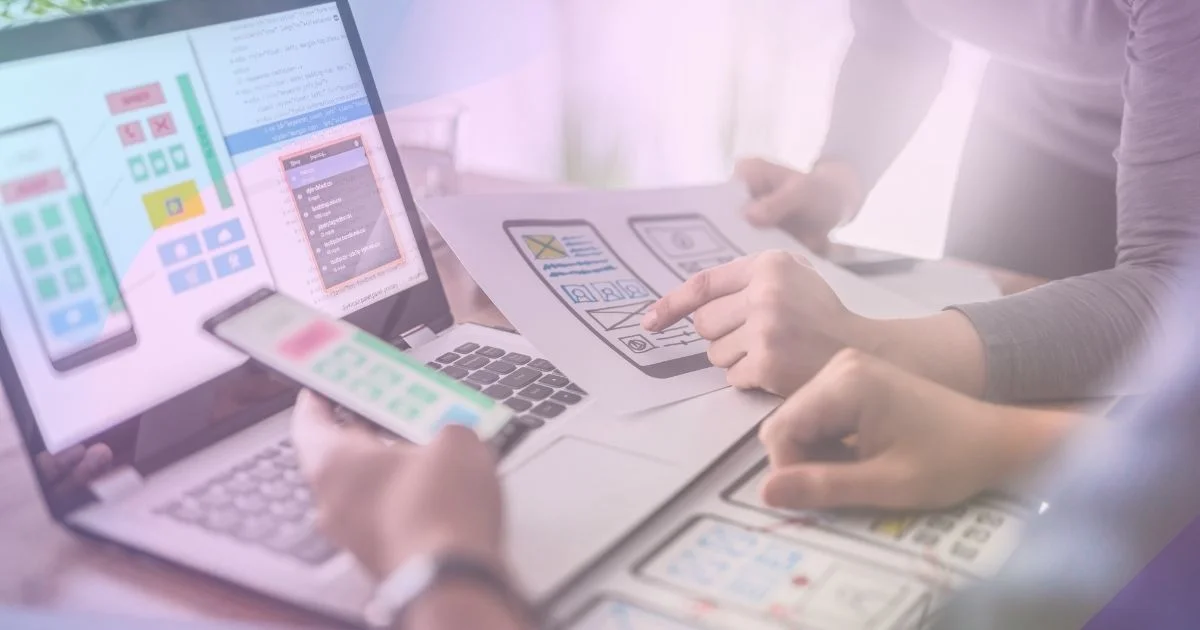
- Prototype before the full build. Test whether people understand the activity entry, history, correction, and reminder flow. Use fictional data and obtain consent for research.
- Estimate scope and operating cost. Separate role-hours, direct expenses, recurring services, and exclusions. Identify dependencies before choosing a launch date.
- Choose the team and platform. Compare native and cross-platform options against required integrations and maintenance skills. Ask for evidence of comparable work and clear ownership of source and accounts.
- Build the smallest complete workflow. Include error recovery and data controls, not just the successful screen sequence.
- Verify and run a limited pilot. Check quality and relevant safety conditions before inviting users. Measure whether the target task works and whether people return for it.
- Decide what to change or expand. Use the evidence to improve the core task, stop an unsupported idea, or justify an optional feature.

Use software requirements to document acceptance conditions and the MVP guide to keep the pilot focused. Prototyping, design, engineering, and testing can repeat as the team learns; they are not a rule that design feedback waits until development is finished.
Evaluate optional features separately
Live sessions and coaching
Live video adds scheduling, connection quality, content or provider review, cancellation handling, and moderation or support responsibilities. A recording library may answer the initial need with fewer dependencies, but test that with users.
For personal coaching, define provider qualifications, service scope, suitability checks, and escalation when a request exceeds that scope. Do not let an AI system invent exercise or dietary prescriptions without qualified oversight.

Wearables and a larger content library
A new integration needs more than a successful demo sync. Test permission changes, delayed data, duplicate events, account disconnection, and differences between device and app history. Budget for platform changes and device QA.
A larger exercise or food database creates ongoing licensing, accuracy, accessibility, and update work. More entries are useful only when users can find and interpret the right information.

Community, sharing, and gamification
Community features add reporting, blocking, moderation, and privacy decisions. Keep sensitive activity and location sharing optional and private by default. A social integration is not a guarantee of free promotion or revenue.
Make leaderboards, streaks, and competition optional. Avoid rewards that encourage unsafe activity, and test whether these mechanics fit the intended users rather than assuming everyone is motivated by comparison.

Turn requirements into acceptance checks
For the illustrative activity log, define checks such as:
| Scenario | Expected outcome |
|---|---|
| User records a 30-minute activity | One record appears with the correct duration and date |
| Network fails while saving and the user retries | The app reports the result clearly and does not create duplicate records |
| User declines optional sensor permission | Manual logging remains usable |
| Imported data arrives twice | The duplicate is handled according to the documented sync rule |
| User edits an activity | History reflects the saved correction consistently |
| Another account requests that record | Access is denied |
| User disables reminders | Future reminders follow the saved preference |
| User requests account deletion | The documented deletion process and retention exceptions are applied and explained |
Use mobile testing across the supported devices and accessibility contexts. Keep sensitive values out of routine analytics and logs, restrict staff access, and define retention and deletion. Test export if it is offered or required. Functional test success does not replace expert review of health-related content or claims.
Estimate the cost from the chosen scope
As of the September 8, 2026 editorial review, this guide does not supply a verified market price. Build the estimate from role-hours multiplied by quoted rates, plus direct and recurring costs.
Include discovery, content and specialist review, UX, engineering, testing, data controls, device services, store-related charges, launch, support, and contingency. Record currency, quote date, platform coverage, dependencies, and exclusions. Estimate an activity log separately from live coaching, wearable sync, nutrition recommendations, or subscriptions.
Adding Android to an iOS app is not simply duplicating a price. Shared code, native integrations, device QA, and release work determine the difference. Compare estimates for equivalent acceptance criteria.
Validate revenue and ongoing operation
Consider willingness to pay during discovery rather than after launch. A subscription, paid content library, or coaching fee needs a clear value proposition and a budget for the service it funds. If offering a trial, explain its duration, renewal price, and cancellation route.
During a limited pilot, measure task completion, appropriate repeat use, complaints, support effort, and cost. Treat trial discounts and downloads as recruitment signals, not proof of a sustainable business. Do not fund features solely to increase time spent in the app.
A scoped MVP development engagement can turn that evidence into a build plan. If you are leading the build yourself, the virtual CTO services guide explains how technical ownership can be supported.