Web design and web development are different disciplines, but a good website needs both. Design decides the user journey, information architecture, page structure, visual system, and interaction patterns. Development turns that direction into a working website with code, CMS behavior, performance, integrations, analytics, and deployment.
The real question is not “which one is more important?” It is “which decisions are we making right now?” If the offer, audience, pages, and user flow are unclear, design has to lead. If the site needs speed, custom logic, ecommerce, localization, forms, automation, or backend work, development has to be involved early.
Hapy’s hiring lens
For a buying brief, split responsibilities by the decision and the acceptance check:
| Need | Primary owner | Why it matters |
|---|---|---|
| Positioning, page strategy, navigation, and content hierarchy | Web design / product strategy | Users need to understand the offer before the site can convert. |
| Visual system, layout, responsive behavior, and interaction patterns | Web design | A polished UI builds trust and makes the site easier to use. |
| Frontend implementation, CMS structure, forms, analytics, and integrations | Web development | The design has to work reliably across devices, browsers, and content states. |
| Performance, redirects, technical SEO, and deployment | Web development with design QA | Check the delivered page, route, and release behavior. |
| Accessibility | Shared design and development responsibility | Design specifies labels and states; development implements them; both check the result. |
For growth-focused websites, design and development should not happen in isolation. They need to shape decisions together.
What web design owns
Web design owns the decisions a user can see and feel before anything is coded:
- The page goal, audience, offer, and priority message.
- The information architecture, navigation, and page flow.
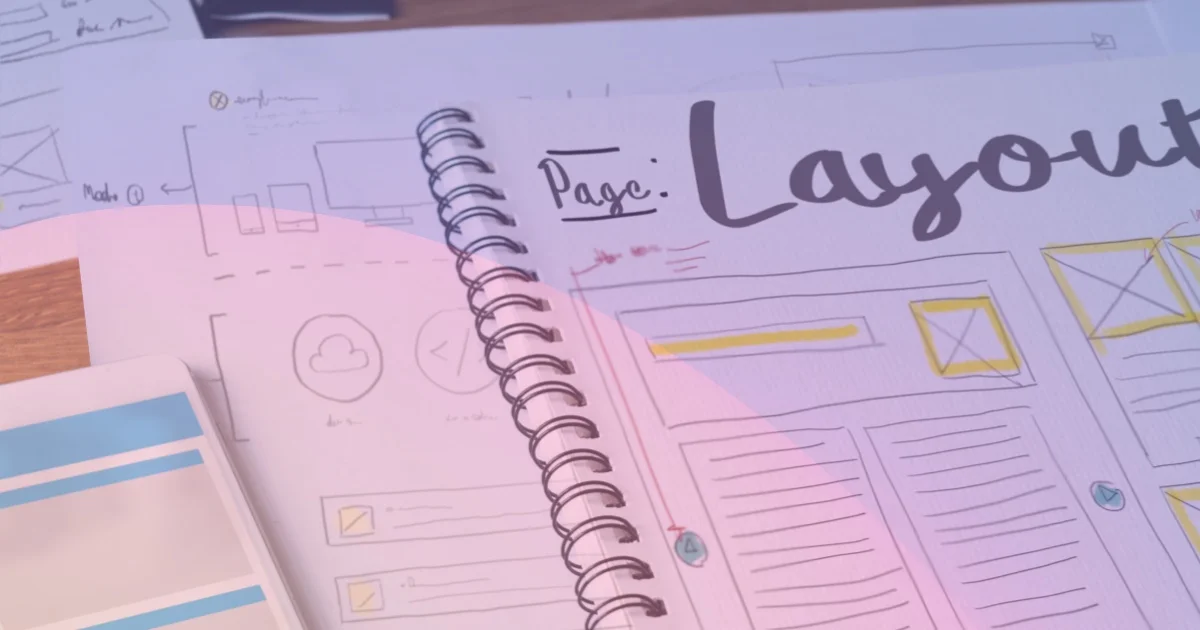
- Wireframes, content hierarchy, responsive layouts, and visual direction.
- UX patterns for forms, calls to action, pricing, proof, comparison tables, and conversion moments.
- Design QA after development so the shipped site still matches the intended experience.
On a simple marketing site, this may be enough to produce a static site or website-builder page. On a serious business site, design should also account for content scale, accessibility, SEO structure, analytics needs, and how future campaigns will be published.
What web development owns
Web development owns the system that makes the site real:
- Frontend code, responsive behavior, components, and browser compatibility.
- CMS fields, content collections, forms, analytics, redirects, and integrations.
- Backend logic, authentication, APIs, ecommerce, customer portals, or workflow automation when the website is also a product surface.
- Performance, accessibility implementation, technical SEO, deployment, monitoring, and maintainability.
This is why development should be involved before the final handoff when the site has custom functionality, high SEO risk, multilingual pages, large content libraries, or migration constraints. A redesign can break routes or enquiry flows if nobody accounts for redirects, scripts, content models, and forms. Hapy offers paid website migration work for teams that need help with those delivery risks.

Web design vs web development comparison
| Area | Web design | Web development |
|---|---|---|
| Main question | What should users see, understand, and do? | How will the site work reliably in production? |
| Core output | Strategy, wireframes, UI, UX flows, visual system, design QA | Code, CMS structure, integrations, performance, deployment, maintenance |
| Common tools | Figma, FigJam, content outlines, analytics review, design systems | HTML, CSS, JavaScript, Astro, React, CMS APIs, Git, hosting, monitoring |
| Risk if skipped | The site looks generic, confuses buyers, or fails to convert | The site is slow, fragile, hard to update, or technically risky |
| Best timing | Before build, and during QA | During planning, build, launch, and ongoing improvements |
The overlap matters. A designer can understand HTML and accessibility. A developer can make strong UX calls. The problem starts when a project assumes one discipline can silently cover the other without time, budget, or responsibility for the outcome.
When you need design, development, or both
| Situation | What to hire first | Why |
|---|---|---|
| The offer, audience, or page structure is unclear | Design / product strategy | Coding a vague message only makes the wrong thing faster. |
| The current site is ugly but technically simple | Web design, then light development | The primary constraint is trust, hierarchy, and visual quality. |
| The site is slow, hard to edit, or full of plugin workarounds | Web development with design QA | The constraint is platform drag, not only page polish. |
| You are moving from WordPress, Webflow, Framer, or a custom CMS | Design and development together | Migration affects URLs, redirects, content models, analytics, and performance. |
| The site includes dashboards, portals, ecommerce, or workflows | Development-led product team | The website is part of a system, not just a brochure. |
If you are choosing between platforms, compare the broader website platform migration checklist before redesigning pages. If performance is the business problem, start with the Core Web Vitals and Astro guide and fix the delivery layer instead of repainting the same slow structure.
Practical handoff checklist
Before design moves into development, make sure the team has:
- Page goals, target audience, and primary conversion action for each template.
- Desktop and mobile layouts for the important states, not only a polished homepage.
- Real copy, image guidance, and proof points where possible.
- CMS fields, reusable sections, and content rules for future publishing.
- Form behavior, error states, tracking requirements, and integration notes.
- Redirects, metadata, schema needs, and analytics checks for launch.
Use the website design process to establish page goals and flows before this handoff. The handoff is not only a file of designs. It is an agreement about what should happen with real content, different devices, and failed requests.
A shared acceptance test for an enquiry form
Consider a service website that asks for an email address and a project note. The business wants the enquiry to reach a named recipient. This is an example brief, not a claim about a client project.
Design owns the field instructions, required-field cues, error presentation, waiting state, and confirmation message. Development owns the working controls, server validation, delivery integration, and failure handling. The business owner supplies the recipient and defines the follow-up promise. One release owner collects the evidence from all three.
Write acceptance checks before either discipline calls the form finished:
- Understand and complete it. Use a keyboard to reach each control. Check that every input has a useful label and that an invalid email produces a specific error without deleting the project note.
- Reject invalid requests on the server. Send a synthetic request that bypasses browser validation in staging. It must not create an accepted enquiry when required data is invalid.
- Show delivery failure honestly. Make the test endpoint fail. The page must not say the enquiry was sent. Give the user a useful recovery path and preserve the entered text where safe.
- Confirm a successful delivery. Send a synthetic record through the working test endpoint. Check that it reaches the agreed destination before accepting the confirmation behavior and next-step message.
- Check the tracking payload. Confirm that analytics events do not contain the email address or project note. Limit access to delivery records and logs rather than copying enquiry text into every debugging tool.
The W3C guidance on form labels and user notifications gives concrete checks for instructions, errors, and confirmation. MDN’s form validation guide explains why browser validation still needs server-side validation. Passing these checks is useful evidence for this form, not proof that the whole website meets every accessibility requirement.
These checks make the distinction practical. A clear error layout is a design decision. Rejecting an invalid request is an engineering decision. A truthful success message needs both, plus a business owner who defines what happens next.
Final thoughts
Web design and web development are not competing services. Design decides what experience should exist. Development makes that experience usable, fast, measurable, and maintainable.
For a small brochure site, one capable generalist or website builder may cover enough. For a growth site, platform migration, ecommerce build, or product surface, treat web design and development as one working system. Hapy’s broader capabilities are built around that combined judgment: strategy, design, engineering, and operating discipline applied to the same business problem.